
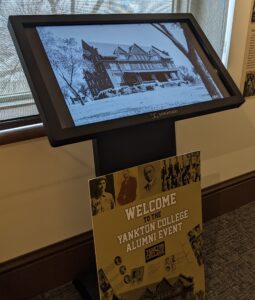
Touchscreen Instructions
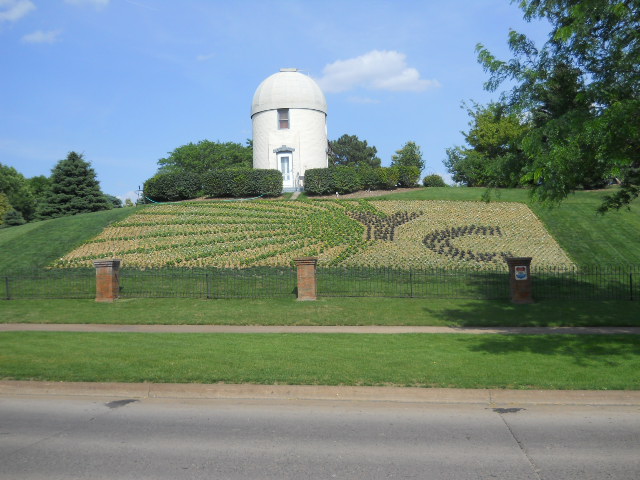
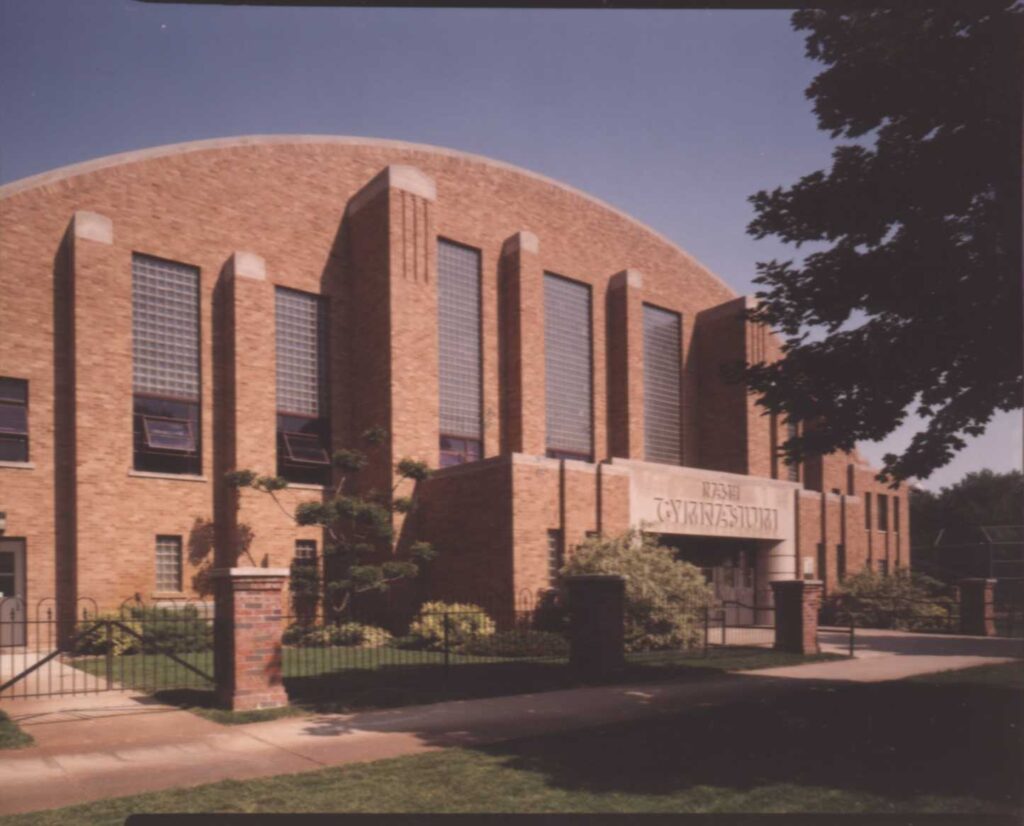
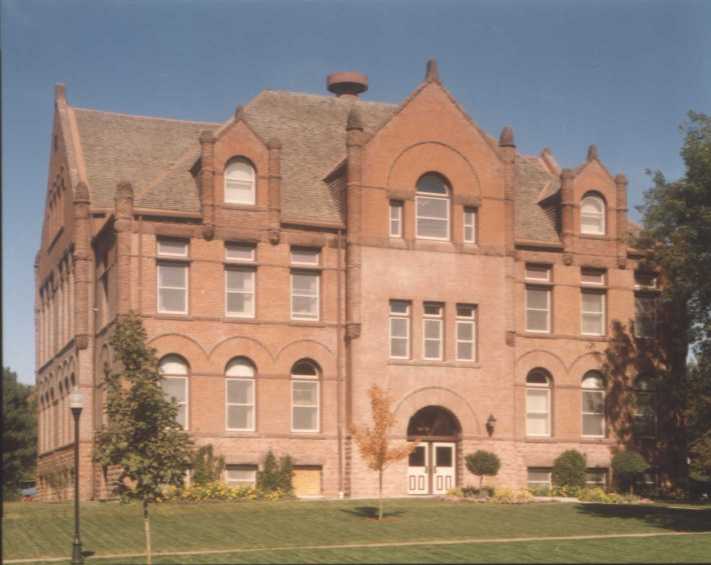
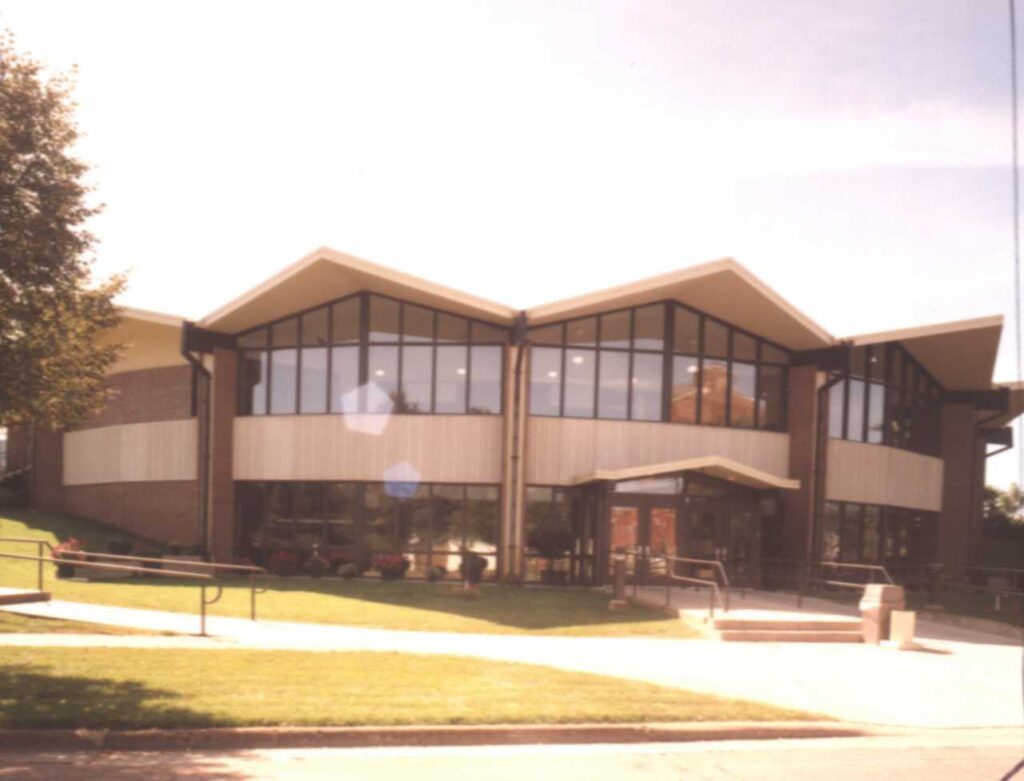
The Touchscreen Database with 13 categories of information, hundreds of photographs and more is now linked to the Yankton College web site. Follow these simple steps to access both the touchscreen system and the directions on how to use it:
- Go to the Yankton College Home Page and find “Touchscreen Instructions” (shown in the red lettering below). Click on the red lettering and the instruction document will open in a new tab where you can reference them as needed.
- Next, return to the Yankton College Home Page and click on the words “TOUCHSCREEN LINK” (shown in blue lettering below). This will open the Yankton College touchscreen system in another new tab, allowing you access to all of the photos and materials.
- By leaving all tabs open you can switch between the Yankton College Home Page, the instructions for the touchscreen system and the touchscreen database system itself whenever you find the need.
TOUCHSCREEN LINK
YC Clothing Store link!!
Yankton College is pleased to announce a new partnership with JJ Benji’s of Yankton, SD. They have children’s through adult sizing of a variety of clothing items. Thank you Greyhounds for your support!
Please click on the bold Hyperlink below to be taken to the Yankton College branch of JJ Benji’s store.
https://jjbenji.com/shop/ols/categories/yankton-college
Or use the QR Code to shop on your phone!

We apologize for the lengthy “construction” process of our website store. We are continuing to work on a link for books & memorabilia. The “Store” button at the top of the page is not yet opening correctly.
**
Yankton College 2027-28 Scholarship applications are now posted on the General Scholarship & Post Graduate Scholarship pages! Click on the link at the top of either page to download the word document.
This year, we are encouraging all applicants to apply by email at: info@yanktoncollege .org If you do not have access to email, please have your application delivered (by hand or by mail) prior to the deadline. We understand the Postal System has been less reliable and post-mark dates are often missing.
Scholarship Deadline: February 26, 2027
***
Yankton College Scholarship Listings
Click on the Hyperlink below for a full listing of the 26-27 awardees from the Yankton College and Y-Club:
For easier reading or printing:
High Contrast version 2026-27 Scholarship Awardees
Click on the Hyperlink below for the full listing of prior years awardees.
~~ 2025-26 YC Scholarship Awardees ~~
****
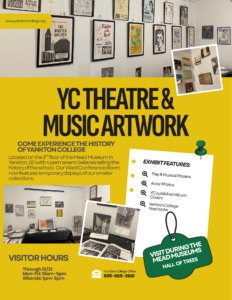 Final Month to see both temporary exhibits in the Ward Conference Room! Our first temporary exhibit “Miss Pioneer Traditions” will be retired in October. This will make room for additional items in our “Theatre & Music Artwork Exhibit” just in time for the Mead Museum’s Hall of Trees!
Full Theatre & Music Artwork Exhibition Run: July 1 – December 31, 2026
Location: The Joseph & Sarah Wood Ward Alumni & Educational Center of Yankton College, 3rd floor of the Mead Museum 82 Mickelson Dr Yankton SD